All articles
·
16 min read
Best AI Overview & AI Mode Trackers in 2026: 10 Tools Compared
Track Google AI Overviews and AI Mode: 10 tools compared by coverage, citations, and cost.
Ranking first on Google no longer tells you whether people see your brand. For a growing share of queries, the first thing a searcher reads is an AI Overview, and for longer questions Google offers AI Mode, which replaces the list of links with a conversational answer. Neither shows up in a classic rank report.
An AI Overview tracker or AI Mode tracker fills that gap. It checks which of your keywords or prompts trigger Google’s AI answers, whether your pages are cited, whether your brand is named, and which competitors appear instead.
Short answer: the best Google AI Overviews and AI Mode tracking tools in 2026 are:
Google Search Console for free, first-party AI impression data on your own pages.
Visby for prompt-level brand tracking in AI Overviews alongside ChatGPT, Claude, and Gemini, with GEO tasks built from the gaps.
Semrush for keyword-level AI Overview citation tracking inside Position Tracking.
SE Ranking for the lowest-cost way to track AI Overviews and AI Mode next to classic rankings.
Ahrefs for AI Overview SERP tracking plus market-wide Google AI research in Brand Radar.
Peec AI, Scrunch, and AthenaHQ for dedicated AI visibility tracking that covers both Google surfaces.
Profound for enterprise programs, and Otterly AI for a low-cost AI Overviews starting point.
This guide explains how AI Overviews and AI Mode differ, what Search Console now shows, and where each tool fits. Pricing reflects vendor information available in September 2026.
What Are Google AI Overviews and AI Mode?
Google AI Overviews are AI-generated summaries that appear at the top of a standard Google results page for some queries, with links to the pages used as sources. Google AI Mode is a separate, conversational search experience for questions that need more exploration, reasoning, or comparison, where the AI response replaces the usual list of results and supporting links sit alongside it.
According to Google’s documentation on AI features, both may use a “query fan-out” technique, running several related searches across subtopics to assemble a response. That is one reason a page can be cited for a query it does not rank for in the classic results.
How Is AI Mode Different From AI Overviews for Tracking?
AI Overviews | AI Mode | |
|---|---|---|
Where it appears | Above the standard results, on some queries only | A separate tab and conversational interface |
Typical input | Keyword-style searches | Longer, multi-part questions and follow-ups |
What you track | Whether an Overview appears, whether you are cited, and in which slot | Whether you are mentioned or cited in the answer to a prompt |
Natural tracking unit | Keyword | Prompt |
Classic rank still relevant? | Yes, the organic results sit directly below | Much less, since the answer is the page |
The practical difference: AI Overviews behave like a SERP feature you can monitor on your existing keyword list, while AI Mode behaves more like a chatbot you query with prompts. Most teams need both views.
What Are the Two Ways to Track AI Overviews and AI Mode?
Tools approach Google’s AI surfaces in one of two ways, and knowing which one a tool uses explains most of the differences between them.
Keyword-based tracking runs your keyword list through Google and records whether an AI Overview appeared and whether your domain was cited. This is how SEO suites such as Semrush, SE Ranking, and Ahrefs extend their rank trackers. It fits teams that already think in keywords and want AI Overview data next to positions.
Prompt-based tracking sends conversational prompts to AI Mode, AI Overviews, and often other assistants, then measures brand mentions, citations, sentiment, and competitor share of voice. This is how AI visibility platforms such as Visby, Peec AI, Scrunch, and AthenaHQ work. It fits teams measuring brand presence across the buying journey, not just URL citations.
Google’s own data in Search Console adds a third, first-party layer: impressions for your pages inside AI features. It cannot show competitors or prompts, but it is the only source that reflects real Google traffic rather than sampled checks.
This measurement layer is one part of Generative Engine Optimization (GEO). For tools focused on the optimization side, see our guide to GEO platforms.
Can Google Search Console Track AI Overviews and AI Mode?
Yes, partly. In June 2026 Google introduced Search Generative AI performance reports in Search Console, giving site owners a dedicated view of how often their URLs appear in generative AI features on Search, including AI Overviews and AI Mode, plus a separate view for Discover.
The report shows five things: impressions, the pages that appeared, countries, devices, and dates, with hourly to monthly granularity. Clicks from AI features are still counted inside the regular Performance report under the “Web” search type, according to Google’s documentation.
What Does Search Console Not Show?
Search Console is the most reliable source for your own impressions, but it was not built to answer competitive or prompt-level questions.
Question | Search Console | Third-party tracker |
|---|---|---|
How often do my pages appear in Google AI features? | Yes | Estimated from sampled checks |
Which of my pages appear? | Yes | Yes |
Which queries or prompts trigger my appearance? | Not in the AI report at launch | Yes |
AI Overviews and AI Mode separately? | Reported together, according to independent coverage of the launch | Usually yes |
Is my brand named in the answer text? | No | Yes, in prompt-based tools |
Which competitors appear instead of me? | No | Yes |
What does the AI answer actually say? | No | Yes, most tools store the response |
The rollout was gradual, so the report may not be available for every property yet. The same release added a control that lets site owners block their content from appearing in AI responses. Microsoft offers a comparable free source for Copilot: our hands-on review of Bing’s AI Performance report covers what it shows.
The sensible setup is to use Search Console as the ground truth for your own visibility, and a tracker for everything Search Console cannot see.
How We Chose the Best AI Overview and AI Mode Trackers?
We compared tools on the questions that matter for Google’s AI surfaces specifically:
Coverage of both surfaces. Does the tool track AI Overviews, AI Mode, or both, and on which plan?
Tracking method. Keyword-based, prompt-based, or both. Neither is better in general, but they answer different questions.
Citation detail. Does it show whether you were cited, which URL, and in which slot among the sources?
Brand and competitor data. Does it detect brand mentions in the answer text and compare you with competitors on the same queries?
Location and device control. AI Overviews vary by country and device, so local and mobile tracking matter for many brands.
Price for Google coverage. What it costs to get AI Overviews and AI Mode, not the headline entry price.
Visby is our product and is included below, with its limits stated as plainly as everyone else’s. Teams whose priority is optimizing content for AI answers, rather than tracking it, can compare answer engine optimization platforms built for that work.
The Best AI Overviews and AI Mode Tracking Tools Compared
Tool | Method | AI Overviews | AI Mode | Other engines | Entry price (monthly) |
|---|---|---|---|---|---|
Google Search Console | First-party impressions | Yes, combined with AI Mode | Yes, combined with AI Overviews | None | Free |
Visby | Prompt-based | Yes | No | ChatGPT, Claude, Gemini | $79 |
Semrush | Keyword-based plus prompts | Yes, in Position Tracking | Yes, with AI Visibility Toolkit | ChatGPT, Gemini, Perplexity | $99 per domain for the AI toolkit |
SE Ranking | Keyword-based plus prompts | Yes | Yes | ChatGPT, Perplexity | $129 ($103.20 annual) |
Ahrefs | Keyword-based plus prompt index | Yes, in Rank Tracker and Brand Radar | Yes, in Brand Radar | ChatGPT, Perplexity, Copilot, Gemini, Grok | Brand Radar Google AI from $199 |
Peec AI | Prompt-based | Yes | Yes | Choose 3 models from 6 | $95 |
Scrunch | Prompt-based | Yes | Yes | ChatGPT, Claude, Gemini, Perplexity, Meta AI | $250 annual, $300 monthly |
AthenaHQ | Prompt-based, credits | Yes | Yes | 6 to 9 more, including Claude | $295 |
Profound | Prompt-based | Yes | Enterprise | Up to 7 more on Enterprise | Free trial, then custom |
Otterly AI | Prompt-based | Yes | Paid add-on | ChatGPT, Perplexity, Copilot | $29 |
The Best Google AI Overviews and AI Mode Tracking Tools in 2026
1. Google Search Console: Best Free Source of First-Party Data
Search Console’s generative AI report is the only place to see real impressions for your pages in AI Overviews and AI Mode, rather than estimates from sampled checks. It costs nothing and should be the first thing you set up.
Use it to answer one question well: is our presence in Google’s AI features growing, and on which pages? Pair it with a tracker for queries, competitors, and answer text, which Search Console does not report.
Price: Free.
2. Visby: Best for Brand Tracking in AI Overviews Alongside Chatbots
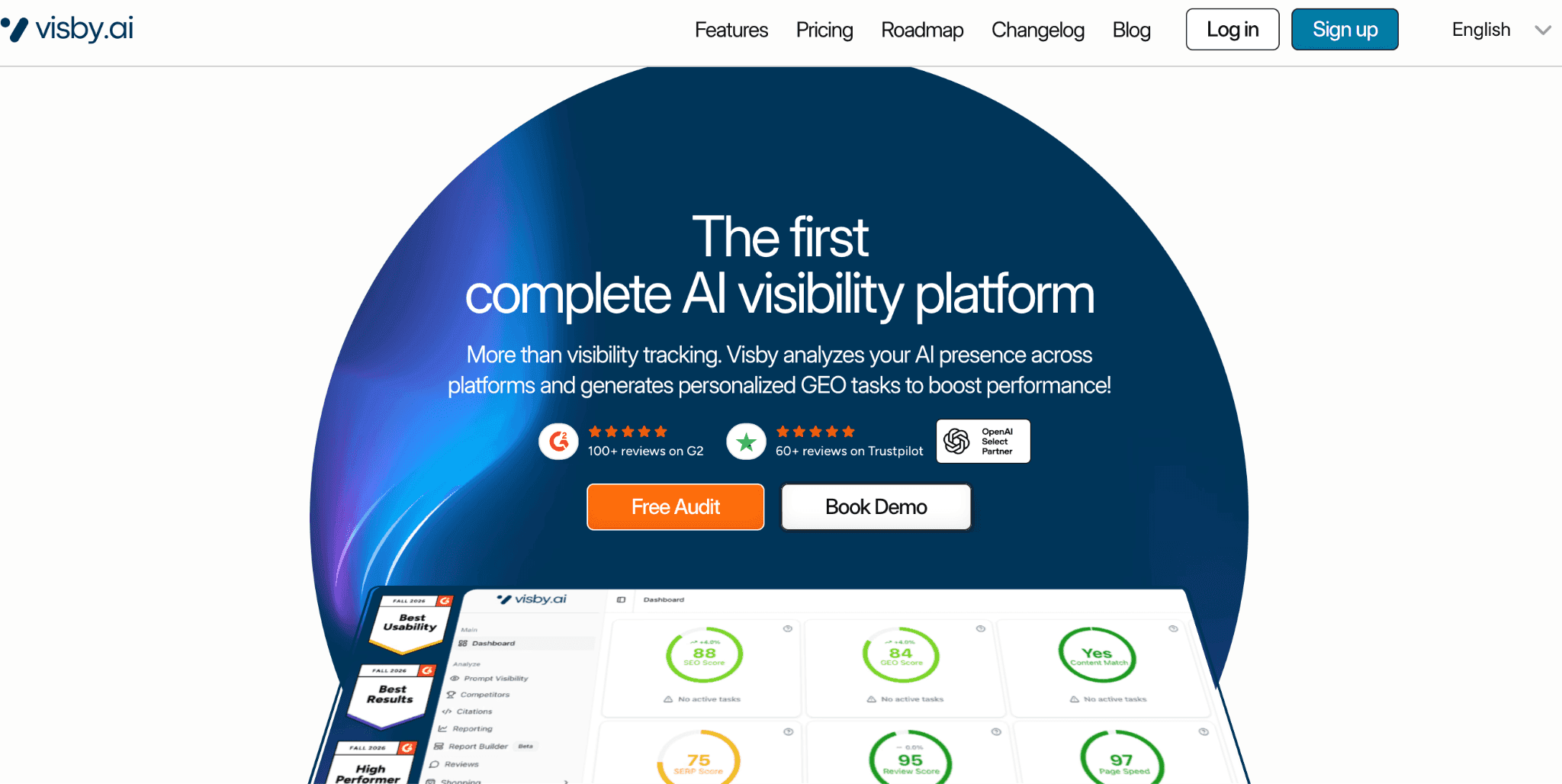
Visby tracks how your brand appears in Google AI Overviews and in assistants such as ChatGPT, Claude, and Gemini, using prompts grouped by funnel stage. Each plan includes three engines chosen from ChatGPT, Claude, Gemini, and Google AI Overviews, so a team can, for example, pair AI Overviews with ChatGPT and Claude.
What sets it apart is what happens after the data comes in. Visby highlights prompts where competitors appear and you do not, scans your site, and turns those gaps into prioritized technical and content GEO tasks. It also connects to Google Search Console, GA4, and Bing, which helps you line up tracked visibility with real traffic.
Good fit if: you care about brand mentions and recommendations in AI Overviews, not only URL citations, and you also need ChatGPT or Claude in the same view. Our list of Claude AI visibility tools covers the Claude side in more depth.
Watch out for: Visby does not track AI Mode, and three engines per plan means choosing your mix carefully. Starter includes 15 prompts and one seat.
Price: Starter $79/month (15 prompts, 45 analyzed AI answers per month), Growth $199/month (90 prompts, 270 answers), Enterprise custom. See Visby pricing.
3. Semrush: Best for Keyword-Level AI Overview Citation Tracking
Semrush handles AI Overviews inside Position Tracking, the rank tracker many SEO teams already run. It flags which tracked keywords trigger an AI Overview and whether your domain is cited, and Semrush’s documentation notes that a citation inside an Overview is recorded as a position 1 ranking regardless of your organic position.
For AI Mode, Semrush offers Prompt Tracking, which treats the AI Mode response as position 1 and cited domains as positions 2, 3, and onward. Tracking prompts in AI Mode requires the AI Visibility Toolkit or a Semrush One subscription.
Good fit if: your reporting is built around keywords and you want AI Overview citation rate next to organic positions.
Watch out for: independent reviews report that the AI Overview tab in Position Tracking sits on higher-tier Semrush plans. The AI Visibility Toolkit starts with 25 prompts per domain, which is small for AI Mode coverage.
Price: AI Visibility Toolkit $99/month per domain on top of, or bundled with, a Semrush plan.
4. SE Ranking: Best Value for AI Overviews and AI Mode Next to Rankings
SE Ranking includes AI tracking in its core SEO plans rather than selling it separately. The Core plan pairs 2,000 tracked keywords with 100 AI prompts tracked daily across Google AI Overviews, Google AI Mode, ChatGPT, and Perplexity.
For teams that mostly care about Google, that combination covers both AI surfaces and classic rankings for a single price, which is hard to beat.
Good fit if: you want one tool for SEO and Google’s AI features, on a budget.
Watch out for: AI analysis is less detailed than in dedicated AI visibility platforms, Claude is not covered, and Core includes one manager seat.
Price: Core $129/month ($103.20 billed annually), Growth $279/month with 250 prompts. 14-day free trial. For more suites that combine both, see our guide to SEO tools for AI search.
5. Ahrefs: Best for AI Overview SERP Data Plus Market Research
Ahrefs covers Google’s AI surfaces in two places. Rank Tracker tracks 19 SERP features, including AI Overviews, across mobile and desktop and down to ZIP code level. Brand Radar adds an index of hundreds of millions of prompts, so you can see how any brand, including competitors, appears in AI Overviews and AI Mode without building a prompt list first.
Ahrefs has sold Google AI Overviews and AI Mode together as one Brand Radar platform, which makes Google-only research cheaper than buying every AI platform.
Good fit if: you already use Ahrefs and want AI Overview presence in Rank Tracker plus competitive research across Google’s AI answers.
Watch out for: the prompt index reflects Ahrefs’ selection, not your buyers’ exact questions, and custom prompts are metered in checks.
Price: Brand Radar’s Google AI platform from $199/month. Broader packages are listed at $398 and $699 per month. Custom prompt packages start at $50/month for 2,500 checks.
6. Peec AI: Best Low-Cost Prompt Tracker for Both Google Surfaces
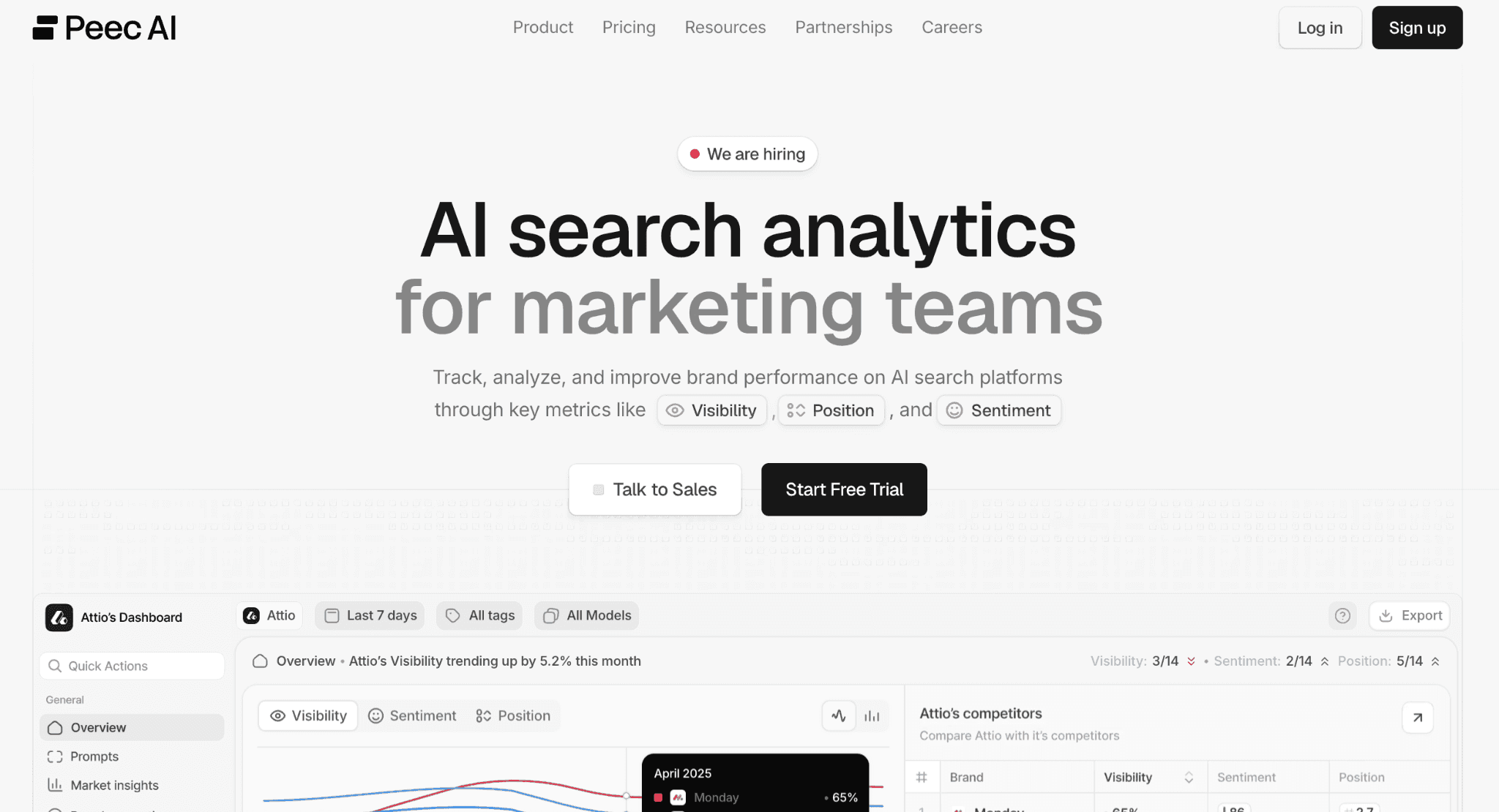
Peec AI lets you choose three models from six on each plan, and both Google AI Overviews and Google AI Mode are on the list. A team focused on Google can track both surfaces plus ChatGPT on the $95 Starter plan, with 50 prompts run daily and unlimited users.
Peec captures most engines from the consumer interface rather than the API, and it separates sources a model read from citations shown in the answer.
Good fit if: you want prompt-level brand tracking in AI Overviews and AI Mode without paying for many other engines.
Watch out for: Claude is not on the self-serve menu, and Peec does not produce recommendations or content.
Price: Starter $95/month (50 prompts), Pro $245/month (150 prompts), Advanced $495/month (350 prompts). 7-day free trial.
7. Scrunch: Best for Google AI Surfaces Plus Broad Model Coverage
Scrunch’s Starter plan includes Google AI Overviews and AI Mode along with ChatGPT, Claude, Gemini, Perplexity, and Meta AI. It adds persona-based prompts, page audits, and agent traffic monitoring that shows how AI crawlers and agents use your site.
Good fit if: Google is one of several AI surfaces you need, and you want 350 prompts on a flat plan.
Watch out for: a higher entry price than most tools here, and three user licenses on Starter.
Price: Starter $250/month billed annually or $300 month-to-month. 7-day free trial, per the Scrunch pricing page.
If you are comparing Scrunch with other platforms that track every major assistant, our round-up of AI search visibility tools goes wider.
8. AthenaHQ: Best for Many Models and GEO Actions on One Plan
AthenaHQ’s $295 Starter plan includes Google AI Overviews and AI Mode among eight or more models, plus GEO recommendations and a content optimization agent. A free Essential plan with 300 credits is available for testing.
Good fit if: you want Google’s AI surfaces and many other models in one place, with action features included.
Watch out for: billing is credit-based (one credit per AI response), so tracking both Google surfaces daily on a large prompt set uses credits quickly. Starter covers one region and language.
Price: Essential free, Starter $295/month (3,600 credits), Enterprise custom.
9. Profound: Best for Enterprise Google AI Programs

Profound’s Enterprise plan covers Google AI Overviews and AI Mode among up to nine answer engines, and adds Prompt Volumes and ChatGPT Shopping visibility. The 7-day trial runs 50 prompts daily on ChatGPT, Gemini, and AI Overviews, so AI Mode requires Enterprise.
Good fit if: you need multi-market tracking, security reviews, and API exports.
Watch out for: there is no published self-serve paid plan as of September 2026, per the Profound pricing page.
Price: free 7-day trial, then custom Enterprise pricing.
10. Otterly AI: Best Budget Option for AI Overviews
Otterly AI includes Google AI Overviews on every plan, with ChatGPT, Perplexity, and Copilot. The $29 Lite plan tracks 15 prompts daily with unlimited team members.
Good fit if: you want a low-cost way to start monitoring AI Overviews.
Watch out for: AI Mode is a paid add-on, and 15 prompts is a pilot-sized allowance.
Price: Lite $29/month, Standard $189/month (100 prompts), Premium $489/month (400 prompts), based on published plan details reported in September 2026.
Which AI Overview and AI Mode Metrics Should You Track?
Start with three numbers: how often your keywords trigger an AI Overview, how often you are cited when one appears, and how often your brand is named in AI Mode answers. Everything else adds context.
Metric | What it measures | Where to get it |
|---|---|---|
AI Overview trigger rate | Share of tracked keywords that show an AI Overview | Keyword-based trackers |
AI Overview citation rate | Share of those Overviews that cite your domain | Keyword-based trackers |
Citation slot | Your position among the sources inside the Overview | Keyword-based trackers |
Brand mention rate | Share of answers that name your brand, cited or not | Prompt-based trackers |
Share of voice | Your mentions relative to competitors on the same prompts | Prompt-based trackers |
AI feature impressions | How often your pages appeared in AI features | Search Console |
Trigger rate tells you how much of your keyword set is exposed to AI answers. Citation rate tells you how well you compete once an answer appears. A falling citation rate on a stable trigger rate usually points to competitors taking your place rather than Google showing fewer Overviews.
Citation vs Mention: Why Both Matter?
A citation means Google linked to your page as a source. A mention means the answer named your brand, with or without a link. In AI Mode, where answers compare products and recommend options, a brand can be named without being cited, or cited for a definition without being recommended. Tracking only citations misses that difference.
E-commerce brands should also watch shopping results inside AI Mode. Google has been testing ways to report on this in Merchant Center, which we covered in our note on Merchant Center’s AI Mode and AI Overviews report.
How Do You Choose an AI Overview Tracker?
Your situation | Start with |
|---|---|
You just want to know if your pages appear | Google Search Console |
You report on keywords and want AI Overview citations next to rankings | Semrush, SE Ranking, or Ahrefs Rank Tracker |
You need AI Overviews and AI Mode on a tight budget | SE Ranking or Peec AI |
You want brand mentions in AI Overviews plus ChatGPT and Claude, with next steps | Visby |
You need both Google surfaces plus many other assistants | Scrunch or AthenaHQ |
You are running a multi-market enterprise program | Profound |
You want to research competitors across Google’s AI answers | Ahrefs Brand Radar |
If Google is your only concern, an SEO suite with AI Overview tracking is often enough. If buyers also research in ChatGPT, Claude, or Gemini, a prompt-based tool gives you one view across all of them. Our guide to the best LLM tracking tools explains how those trackers collect and compare answers.
A Simple Weekly Workflow
The workflow below is an example, not a fixed method. It assumes one keyword-based or prompt-based tracker plus Search Console.
Pick 30 to 100 commercial queries you already target in SEO, and write conversational versions of the most important ones for AI Mode.
Check AI Overview trigger and citation rate weekly. Note new Overviews and lost citations.
Read the answers you lost. Look at which pages and brands replaced you and what those pages cover that yours does not.
Compare with Search Console. Confirm whether AI feature impressions for the affected pages moved in the same direction.
Update one page at a time and keep the query set stable, so you can tie changes in citations to the work you did.
FAQ About AI Overviews and AI Mode Tracking
How can I track Google AI Overviews for free?
The free option is Google Search Console’s generative AI performance report, which shows impressions for your pages in AI Overviews and AI Mode. For query and competitor data, free tiers and trials such as AthenaHQ Essential, Peec AI, and Scrunch let you test a tracker before paying.
Does Search Console separate AI Overviews from AI Mode?
Not at launch. Independent coverage of the June 2026 release reports that the generative AI report counts AI Overviews and AI Mode together. Tools such as SE Ranking, Peec AI, and Scrunch track the two surfaces separately.
Do you need to rank first to be cited in an AI Overview?
No. AI Overviews can cite pages that rank lower in the organic results, which is why Semrush records an AI Overview citation as position 1 regardless of organic rank. Google’s documentation also describes query fan-out, where related searches feed the answer.
Do AI Overviews differ by country and device?
Yes. AI Overviews are not available in every country and language, and results can differ by location and device. Track the markets and devices your customers actually use, and choose a tool that supports them.
What is the difference between an AI Overview tracker and an AI Mode tracker?
An AI Overview tracker usually checks your keyword list for Overviews and citations. An AI Mode tracker sends conversational prompts and records mentions and citations in the answer. Several tools in this guide, including SE Ranking, Semrush, Peec AI, Scrunch, and AthenaHQ, do both.
Start With Your Own Data, Then Add a Tracker
Turn on Search Console’s generative AI report first, because it is free and reflects real Google impressions. Then choose a tracker based on how you report: keyword-based if your team lives in rank tracking, prompt-based if you need brand mentions and competitors across Google and other assistants.
If your buyers move between Google AI Overviews, ChatGPT, and Claude, and you want the gaps turned into a prioritized task list, you can start a Visby trial and see which prompts competitors win today.
NEXT ARTICLE
